



Beezyspin App
The Beezyspin app gives players direct mobile access to our casino from a smartphone, tablet, or desktop browser. It provides a convenient way to access casino features through a single mobile-friendly interface. We use a browser-based app format, so players do not need to install heavy files or manage manual updates.



Beezyspin Mobile Casino
Our mobile casino works as a progressive web app. This format gives a clean app-like experience without a traditional download from an app store. The Beezyspin app runs through a secure browser connection and synchronizes player activity across supported devices. Account information remains available regardless of whether a player accesses the casino from a phone, tablet, or desktop browser.
Mobile play is well suited to shorter gaming sessions and fast access to casino features. Players can launch the casino directly from the home screen and continue using their account without setting up a desktop device. The interface is optimized for touch interaction, making navigation more comfortable on smaller screens.
Desktop play remains more comfortable for longer sessions. A larger screen provides a clearer view of the casino interface and makes navigation easier during extended use. We keep the mobile version focused on speed, account access, and stable navigation, while the desktop site is designed to offer a more spacious environment for longer browsing sessions.
Mobile Application for Android
Android users can open the Beezyspin mobile casino through a modern browser and add it to the home screen. This creates an app icon and gives faster access to the casino without downloading a separate installation file. The app uses only a small amount of device storage because most elements load from the web.
The Android version supports the same main account functions as the desktop site. Players can log in, browse games, use the wallet, manage profile settings, and contact support. A stable internet connection is required for real-money gameplay and live casino sessions.
To use Beezyspin on Android:
- Open the Beezyspin website in a mobile browser.
- Log in or create an account through the secure page.
- Open the browser menu and choose the option to add the site to the home screen.
- Use the new icon to enter the casino faster next time.
- Keep the browser updated to support smooth loading and secure sessions.
Beezyspin APK
Beezyspin APK files are not part of our standard app access. Downloading installation files from unofficial websites may expose users to security and performance issues. We keep the mobile experience browser-based to reduce these risks.
Beezyspin PWA
The Beezyspin app works as a PWA, so players do not need to search for installation packages. This format receives updates automatically and connects players through the official website, reducing the need for separate installation files. It also keeps the app aligned with the current version of our casino without requiring manual file downloads.
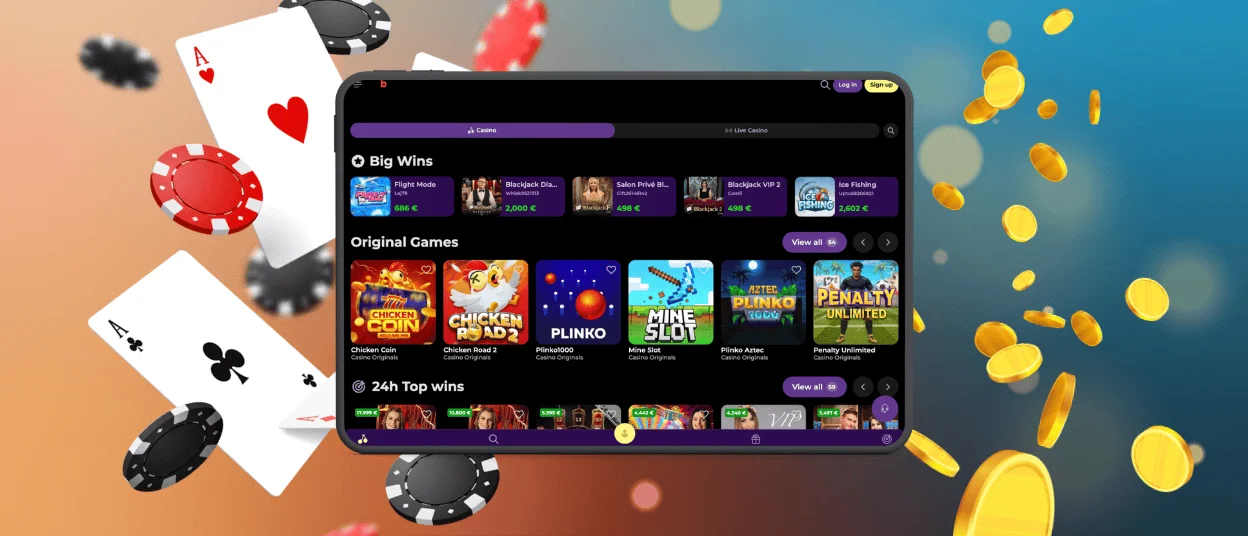
Mobile Application for iOS
iOS users can access Beezyspin through Safari and add the app icon to the home screen. The result is a clean mobile entry point that opens like an app and keeps the casino close to regular device tools.
This version does not require a large download. It also avoids repeated manual updates because the app loads the latest version from the website. Players only need a stable connection and an updated browser to use all main casino functions without interruption.
To add Beezyspin on iOS, open the casino website in Safari and sign in to your account. Then use the Share menu and select the option to add the page to the home screen. After that, an app icon will appear on your device, allowing you to access Beezyspin more quickly without opening the browser and searching for the website each time.
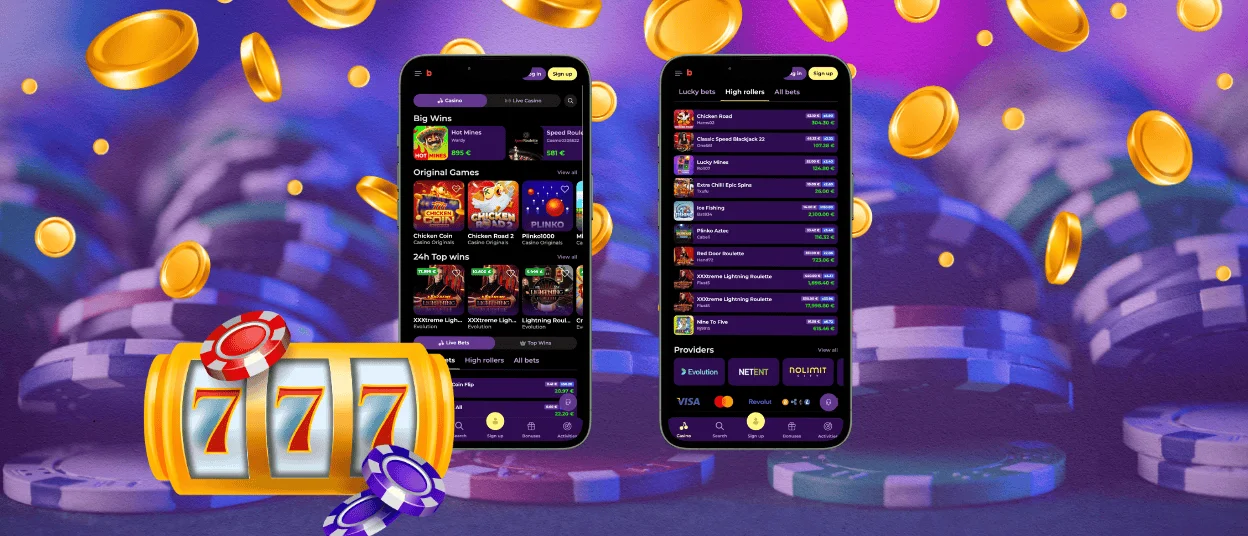
Beezyspin Casino Application for Windows/macOS
Players can use Beezyspin on Windows and macOS through a desktop browser. This option does not require a separate casino program. Desktop access is useful for players who prefer a wider screen and more detailed navigation.
The same Beezyspin account works across desktop and mobile, so players can switch devices without creating a second profile. The desktop version also helps during longer gaming sessions. A larger display is easier for live casino tables. Mobile access stays better for quick entry, while desktop access gives more comfort for careful browsing.
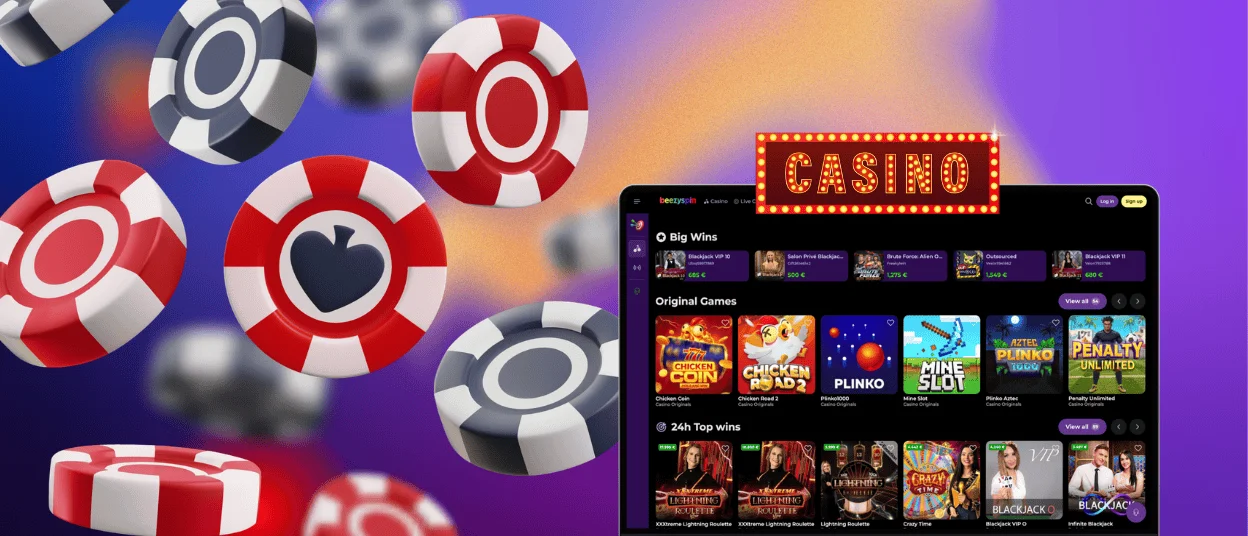
Device Compatibility
Beezyspin works across common device types through a responsive web interface. The main requirement is an updated browser, active JavaScript, and a stable internet connection. This improves security and performance.
| Device type | Access method | Storage impact | Best use |
| Android smartphone | PWA through mobile browser | Low | Quick sessions, touch navigation, account checks |
| iPhone | PWA through Safari | Low | Home screen access, mobile payments, fast login |
| Tablet | Browser or home screen app | Low | Larger mobile screen for games and support |
| Windows computer | Desktop browser | None | Longer sessions, full lobby browsing, account settings |
| macOS computer | Desktop browser | None | Stable desktop access, cashier use, live casino viewing |
The mobile app does not take much space on the device. It stores only limited cached elements to improve loading speed. Sensitive account and payment data remain connected to the secure casino environment, not to a separate local installation file.
FAQ
Is there customer support in the Beezyspin Casino app?
Yes, customer support is available inside the Beezyspin Casino app. Players can open the support section from the mobile interface and contact our team with any issues related to their casino experience.
How can I update the Beezyspin Casino app?
The Beezyspin Casino app updates automatically because it works as a progressive web app. Players do not need to download a new version or install a separate update file. To use the latest version, open Beezyspin through the saved icon or browser and refresh the page. Keeping the browser updated also helps the app load correctly and maintain secure access.
Can I use the same Beezyspin account on different devices?
Yes, one Beezyspin account can be used across supported devices. Players can log in from a smartphone, tablet, or desktop computer using the same account credentials.
Using the same account on different devices is straightforward because all progress and settings stay synchronized automatically.


